
By the time you get your Chromebook, you will have gotten an email with your ORCA credentials and a link to the Welcome Page. When it arrives, you should unbox it, inspect the Chromebook and power supply for damage, then plug it in to charge. Keep the box the Chromebook arrived in--you will need to send it back in this same box when the year is done.
Once your Chromebook is charged, make sure it turns on and try connecting your Chromebook to your home network. When you first turn your Chromebook on, you will see the pop-up below.
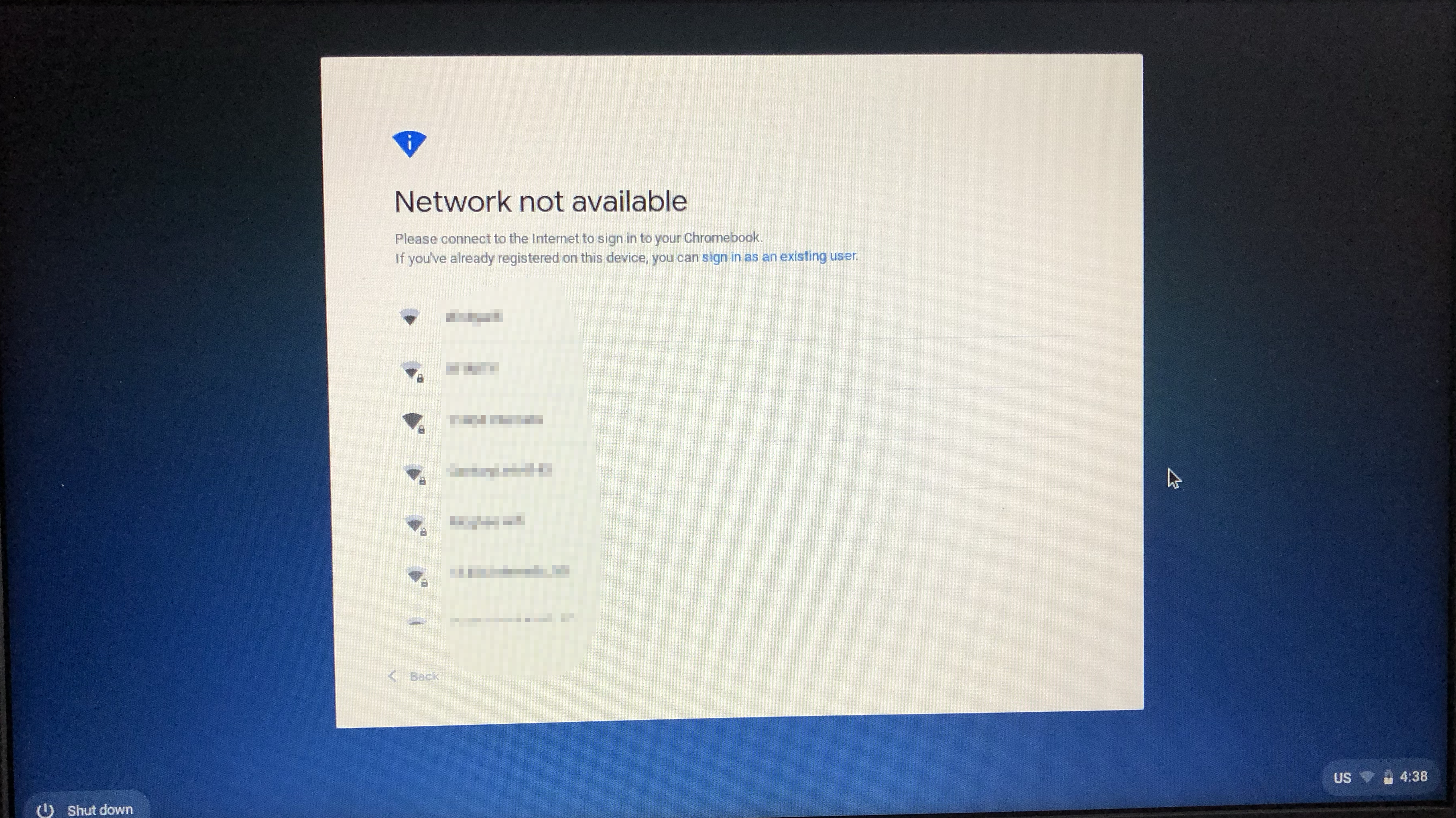
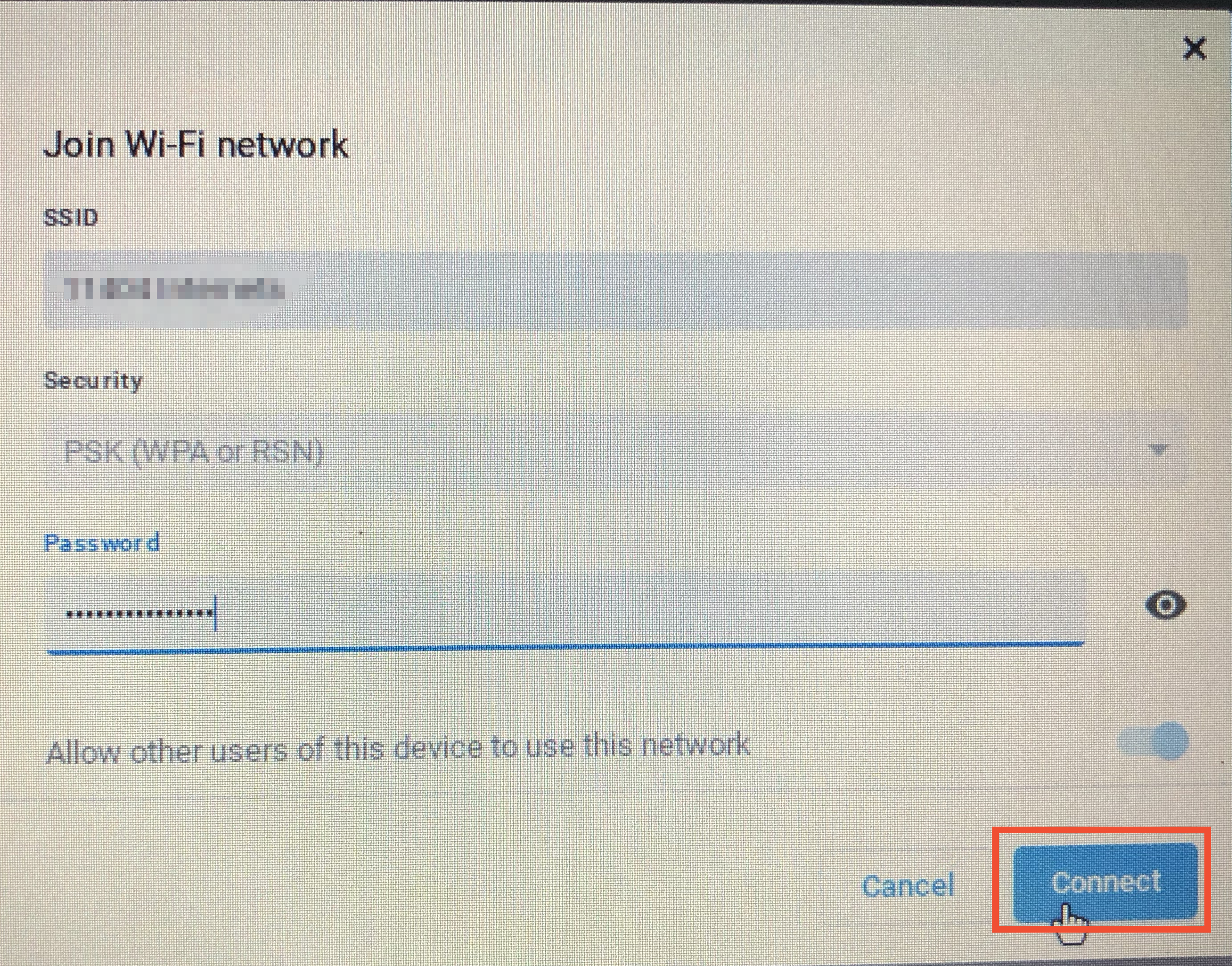
Select your home network, and enter the password. Then, click Connect.
Once your Chromebook is connected to your home network, you will see the sign-in window below. Enter your username (you don't have to type the @student.oregoncharter.org), click Next, enter your password, and click Next again. You will use these credentials to log into your Chromebook for the rest of the year, so it may be helpful to write them down or take a moment to memorize them.

When you've successfully logged in, you'll see a message that you've been successful. Click Get started!
After you've logged in, The Chrome browser will automatically open Canvas, a Zoom login page and the student portal. You will automatically be enrolled in an ORCA orientation course in Canvas, which you can start to learn how school works at ORCA, and how to use Canvas!