
When attempting to play a video embedded in Canvas from Google Drive, users may experience the following error:
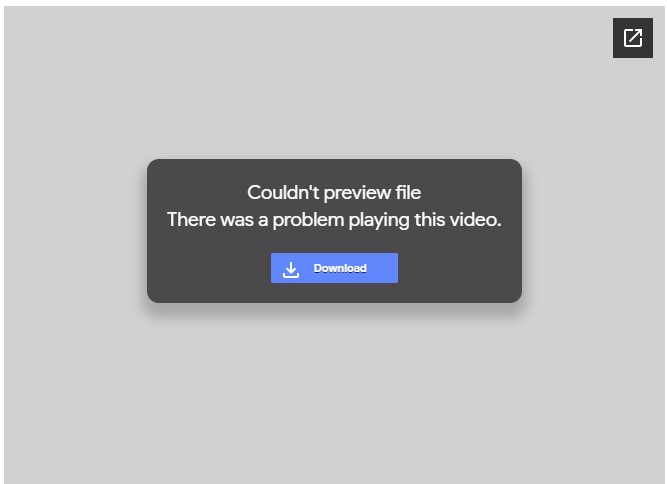
This is not due to an error in the Google Drive video, and no troubleshooting needs to be done with the video or how it is accessed in Canvas. This means Google Drive is under heavy volume and the embedded video is unable to play within the page.
However, the video can be downloaded from the dialog by selecting 'Download'. On a Chromebook, once the file has downloaded, the Download Manager window on the bottom-right of the screen will show the file. Please note that longer videos may take awhile to download based on your network connection speed.
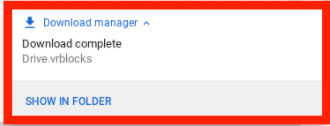
Select 'Show in Folder' on that menu, then double-click the downloaded video in the Files app that appears. The video will play as normal!
If you are using a personal device, the directions will be the same but the video will likely load in the Chrome browser instead of the Video Player app. If your device is unsure of how to play the video, please open the file using Chrome.