
Britannica is an information resource for Elementary, Middle, and High School! Below, we're going to go over how to use Britannica School Online.
How to access and use Britannica
Britannica doesn’t require a login! What you’ll need to do is:
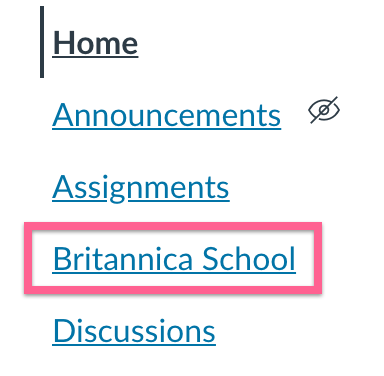
- Click on “Britannica School” from the navigation menu on the left from your Course page. You’ll find this under where you see “Home”, “Announcements”, “Syllabus”, etc.
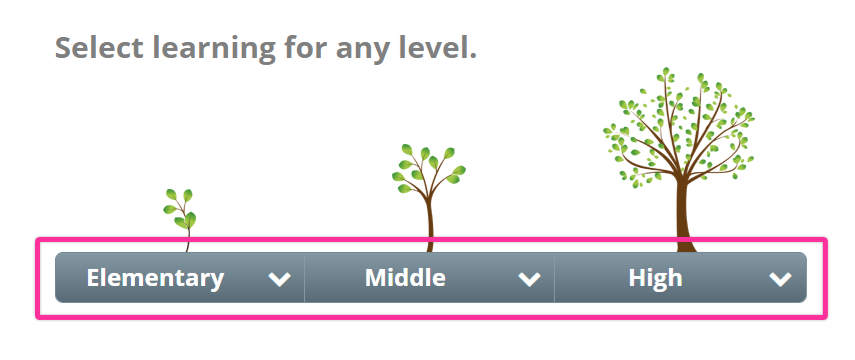
- Next, select your learning level.
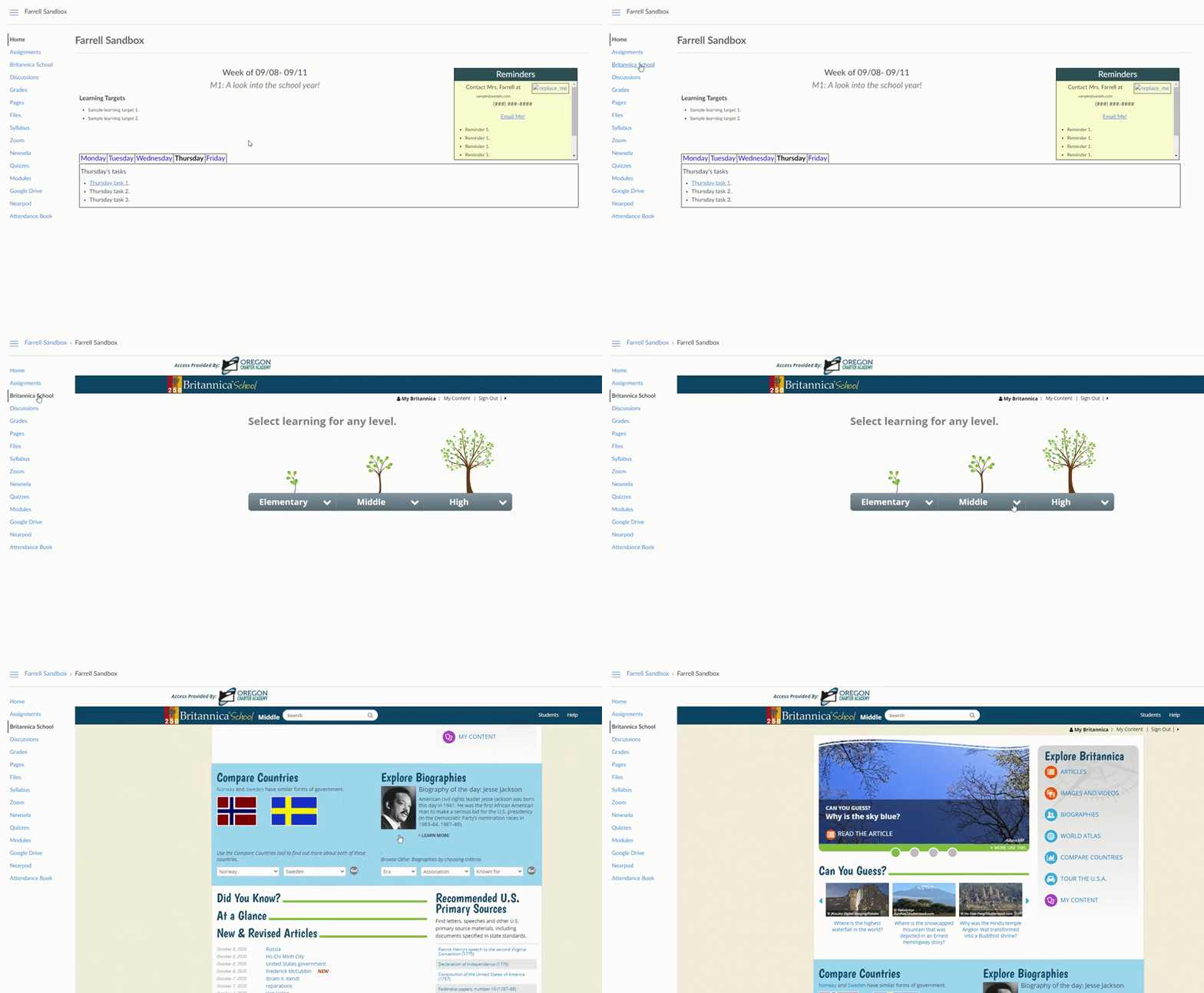
- You’ll now be logged into Britannica! Now, go back to the assignment page and click on the Britannica content again. You should be able to view Britannica content now that you have Britannica all set up!
Below is a GIF to show the process:
Need more help?
Feel free to reach out to tech support with any further questions!