
Follow the steps below to access your Goodheart Wilcox textbook in Canvas.
1. Enter your course from the Canvas Dashboard.
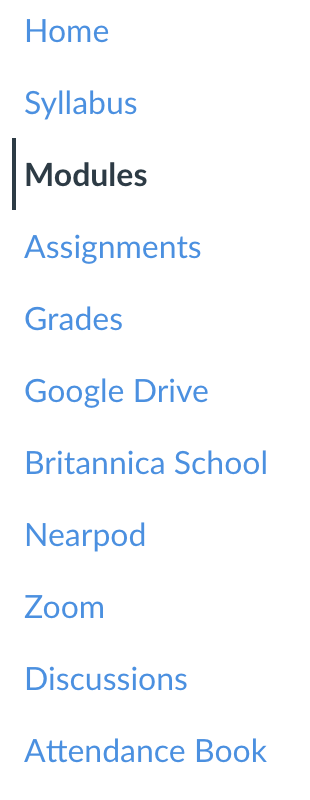
2. Click Modules in the course navigation menu to the left of the page.
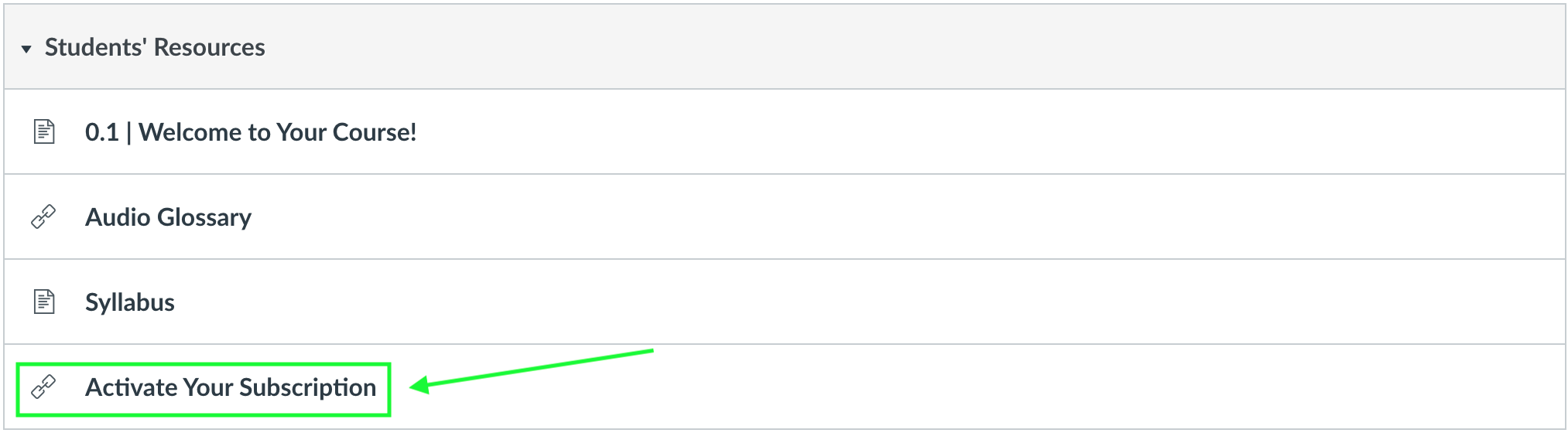
3. In the Student Resources module, click Activate Your Subscription. NOTE: For the time being, you may need to complete this step each time you wish to view your online textbook. Continue reading for more information.
4. If successful, you will see a confirmation message in green text on the next page. If not, you will see an error message in red. This means that you have already activated your subscription! NOTE: It has come to our attention that some students are able to access their textbook even if they receive this error message. Please try loading the textbook again even if you receive the message that your subscription has already been activated.
5. Now, navigate back to Modules, locate the assigned chapter, and click it.

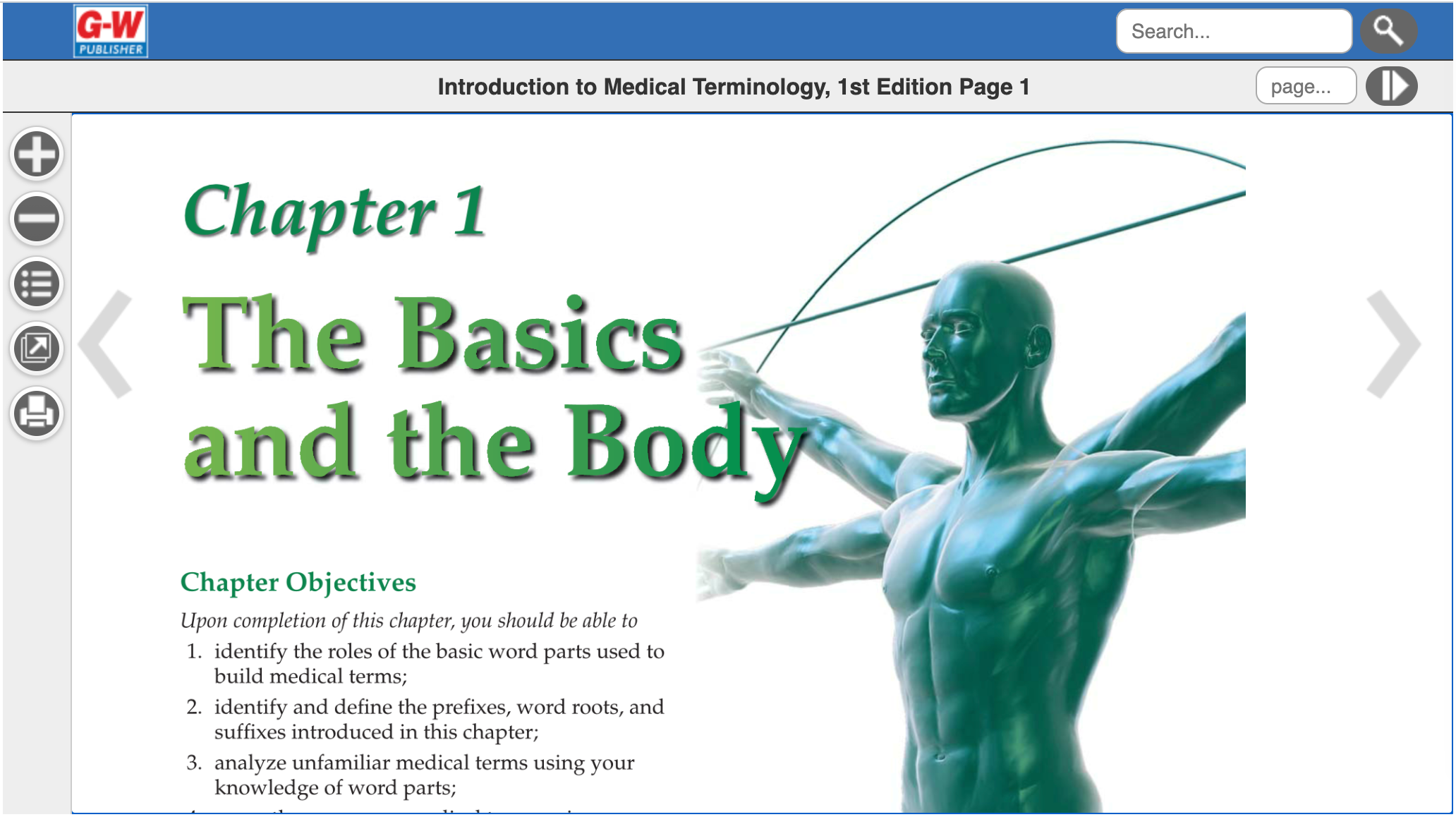
6. That chapter in the virtual textbook will be loaded on the next page. Click the arrows to the right and left to move forward and backward. (And be sure to take notes!)
Need more help?
Feel free to reach out to tech support if you have any further questions!