
In addition to setting notifications for all of your courses, Canvas also allows you to set specific notification settings for individual courses.
To disable or edit notifications for a specific course, go to the Home page of that course in Canvas, and click "Course Notifications"
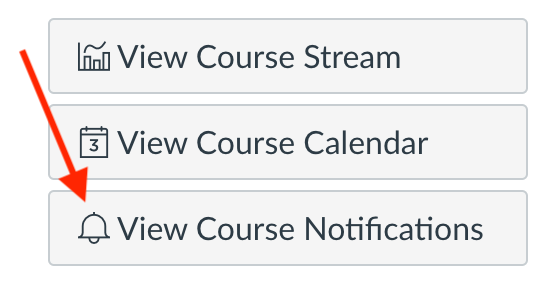
Clicking that link will take you to a course specific notifications page, where you can edit email notifications for that course. You can deactivate notifications for the entire course by clicking "Enable Notifications for (Course Title)"

Below that, under "Course Activities," you can click the icons in the "Email" column to change your email notifications for specific course activities.
Have questions about notifications or need some more help? Reach out to the help desk for more assistance!