
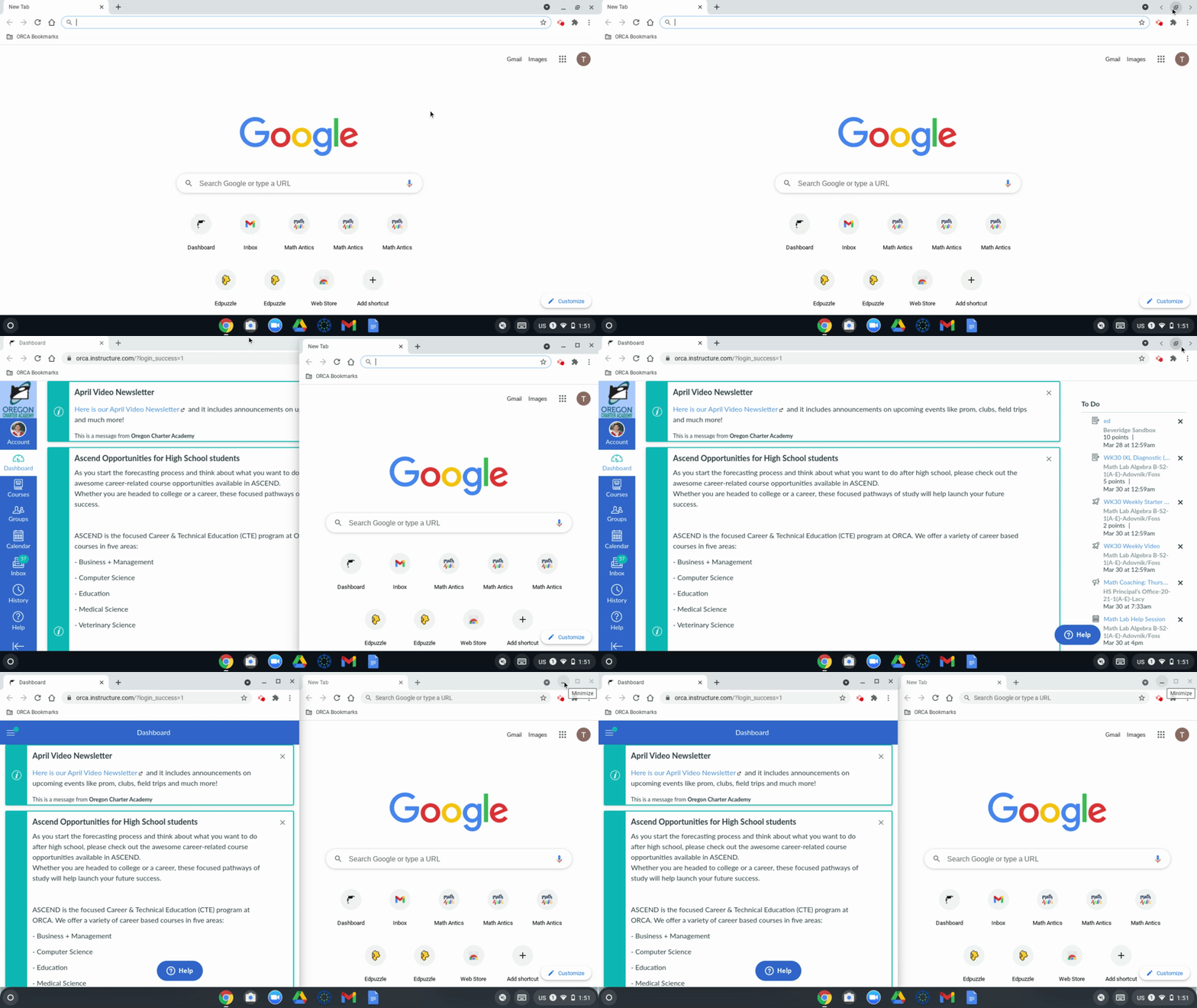
If you ever want to view two tabs or windows at the same time while using your chromebook, you can follow the options below to open two tabs in a split-screen view:
Please note: To view the Zoom window in split screen you will need to use either option 2 or option 3.
Option 1:
- On one of the windows you want to see, click and hold Maximize
.
- Drag to the left or right arrow
. The window will snap to one side of the screen.
- Repeat for a second window.

Option 2:
Click on the top of the window, and drag it so that your mouse touches the side of the screen. Release your mouse to make the window snap to that side of the screen.
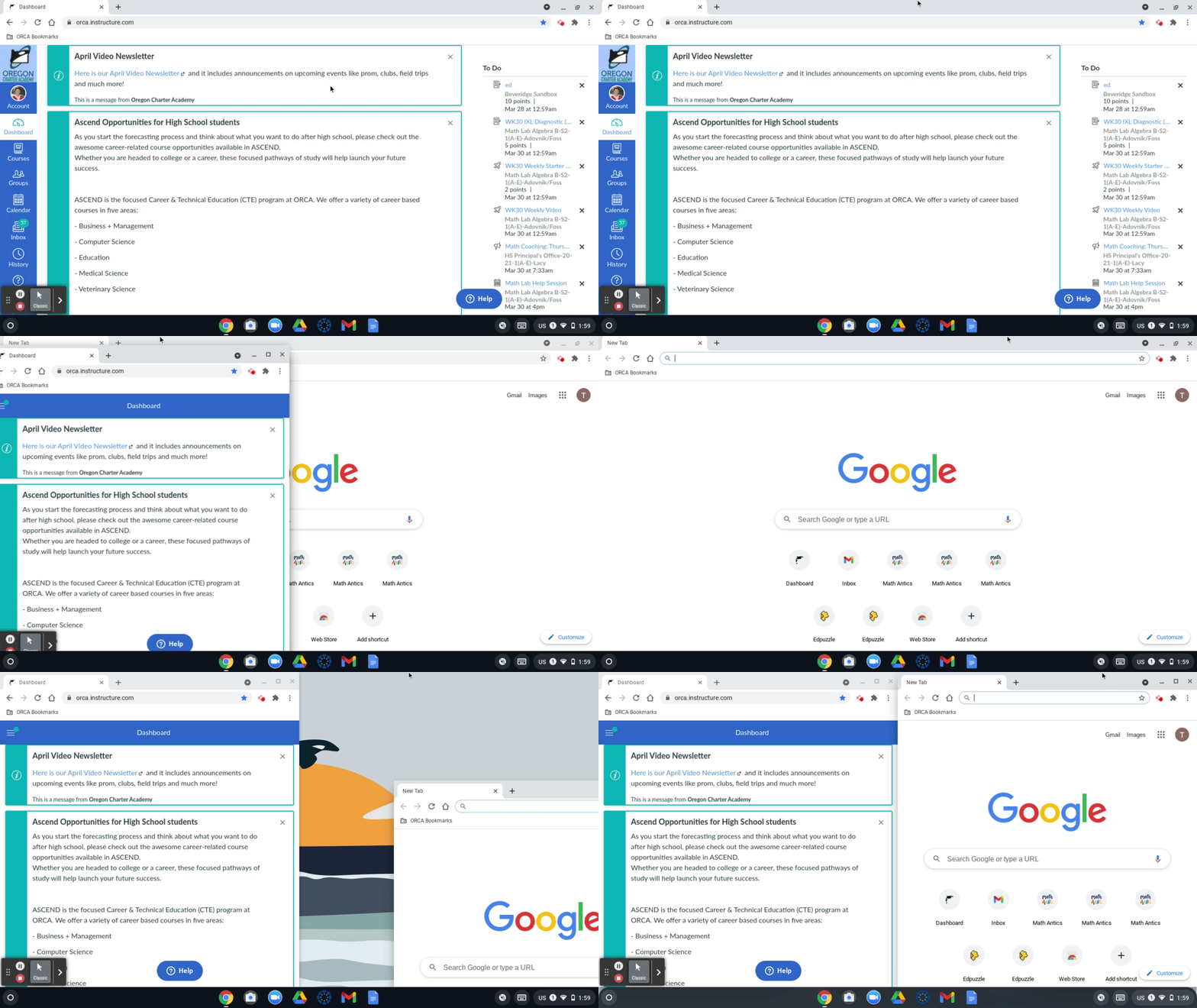
Option 3:
Use the shortcut "Alt" + "[" or "Alt" + "]" to snap a window to either side of the screen.
If you have any questions about using your chromebook, please don't hesitate to get in contact with the Tech Team!