
If your Chromebook's wireless connection isn't stable, you might want to try connecting it using an ethernet cable instead (a wired connection).
To connect your Chromebook to the internet using ethernet, you will need an ethernet cable and an ethernet adapter to connect your ethernet cable to your Chromebook.
Ethernet Cable
An ethernet cable looks like this:
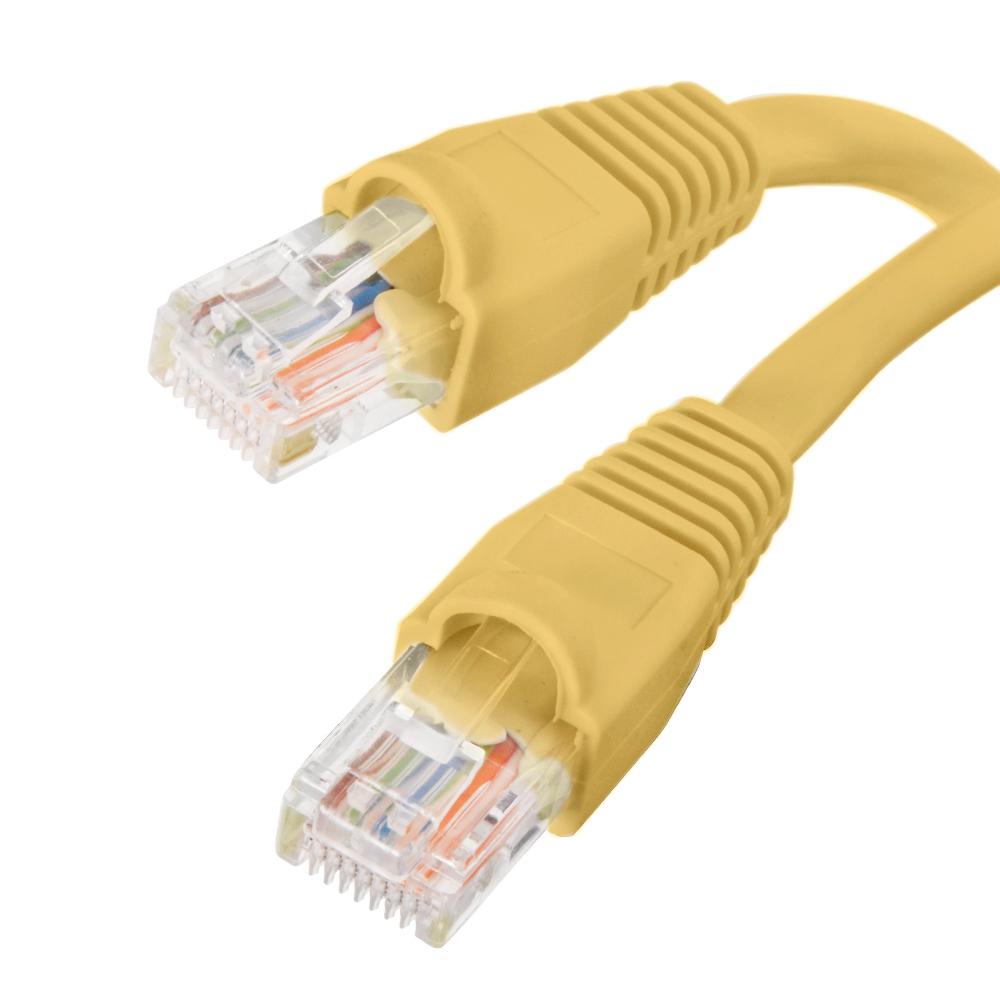
To connect your Chromebook to the internet, plug one end of your ethernet cable into your wireless router, and the other end into your Chromebook's ethernet adapter.
Ethernet Adapter
Your Chromebook does not have a built-in ethernet port, so you will need an ethernet adapter to connect your Chromebook to an ethernet cable. We recommend getting an adapter that connects ethernet to USB-C. This type of adapter will look like this (this specific adapter works with USB-C and USB-A:
To connect your Chromebook to ethernet, plug one end of the adapter into your Chromebook's USB-C port, and plug the ethernet cable into the ethernet port on the adapter. With everything connected, your Chromebook should automatically connect to the internet through a wired connection. Check your Chromebook's network settings to ensure that it is connected.
If you run into any issues connecting your Chromebook, check out the following article to get in touch with technical support:
How do I get technical support?