Your teacher may have assigned coursework from a source called CK-12. To complete a CK-12 assignment, and turn it in to Canvas, follow the steps in this guide.
Accessing CK-12 Content
- Open your CK-12 assignment in Canvas.
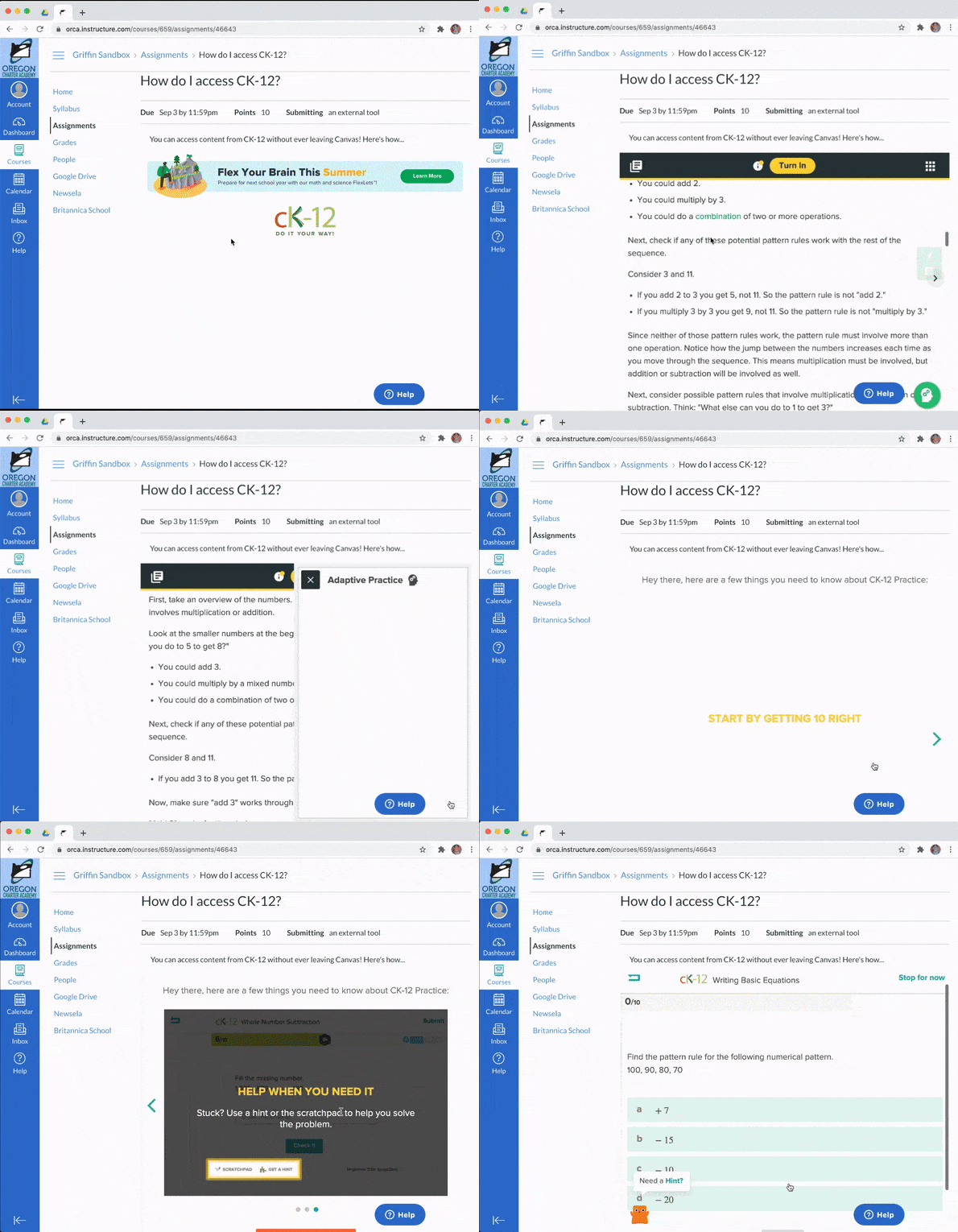
- Once in the assignment, you will see a CK-12 window embedded at the bottom of the page, or a button to access it in another tab.
- Read through the material and, when you're ready to put your new knowledge to the test, click the green button
 in the bottom right.
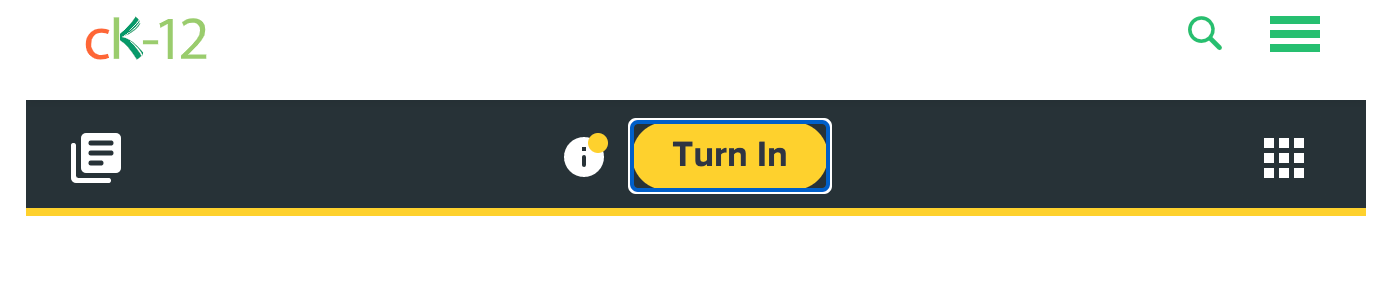
 - When you've finished practicing and you're satisfied with your score, click the yellow button at the top that says Turn In to submit your assignment to Canvas.
- Check the "Grades" section in your Canvas course to ensure that your CK-12 assignment has been scored. If it hasn't, please see the following section.
CK-12 Errors and Solutions
Unfortunately, students regularly encounter a couple of errors with CK-12's platform. Please take note of the following issues and solutions, and feel free to reach out to the tech team for additional assistance.
- After clicking Turn In we recommend checking your grades in Canvas, to ensure that the assignment was successfully submitted. If you submit a CK-12 assignment, and the "Grades" section in your Canvas course does not show a score for the assignment, follow these steps:
- Close the CK-12 assignment tab.
- Re-open the CK-12 assignment.
- Click "Turn in Again."
- Check your grades in Canvas again to ensure that the assignment has been scored.
- Occasionally, the "Turn In" button in CK-12 will not change after being clicked to show that an assignment has been turned in. Usually, this is just an error with the button, and the assignment will still be turned in to Canvas. If this happens, check your Grades in Canvas to ensure that the assignment has been scored. If the assignment has not been scored, follow the steps above.
- CK-12 is not designed to be refreshed while you're working on it by default. If you refresh the page and your teacher has not set up a "Pause" button that you use, you will lose your work. There is no way to recover this work unless you have submitted it. Don't refresh the page in CK-12 while working unless you're okay with losing your work.
Need more help?
If you're still having problems with CK-12 content, take a look at the GIF below for an overview of the process. For more help, check out our article with instructions for contacting technical support.