
If you ever miss a live class, or need to review something from a class, you can watch a recording of a previous live class. Zoom can save recordings of previous live classes for viewing in canvas. Follow these steps to watch a recording of a past zoom class:
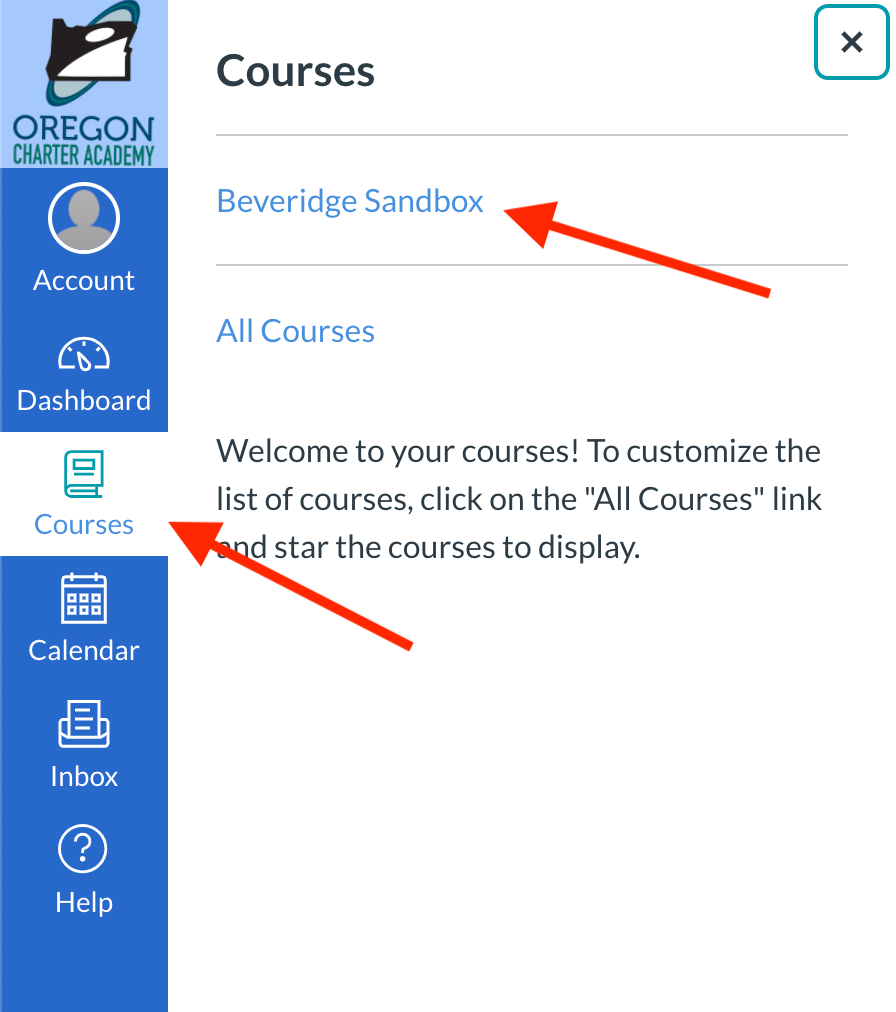
- Open the course with the Zoom live class recording you want to watch.
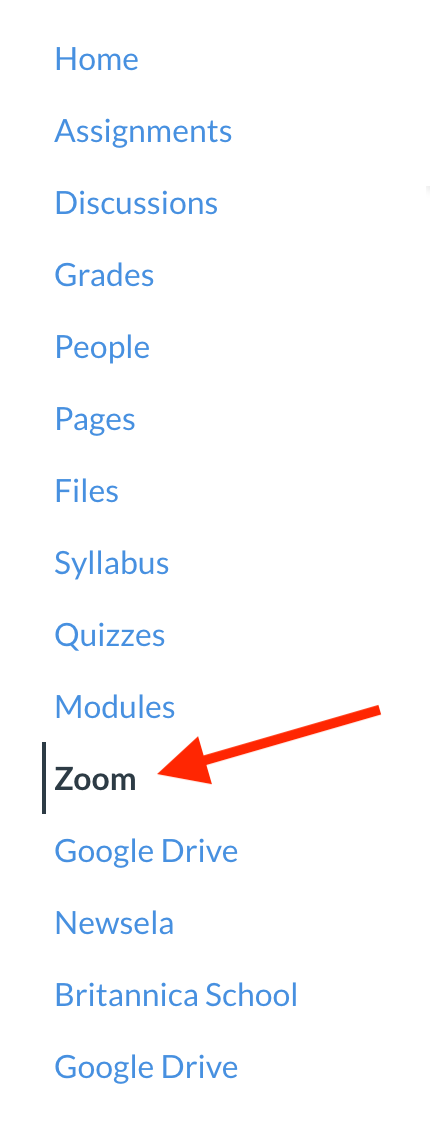
- Click "Zoom" in the course navigation menu.
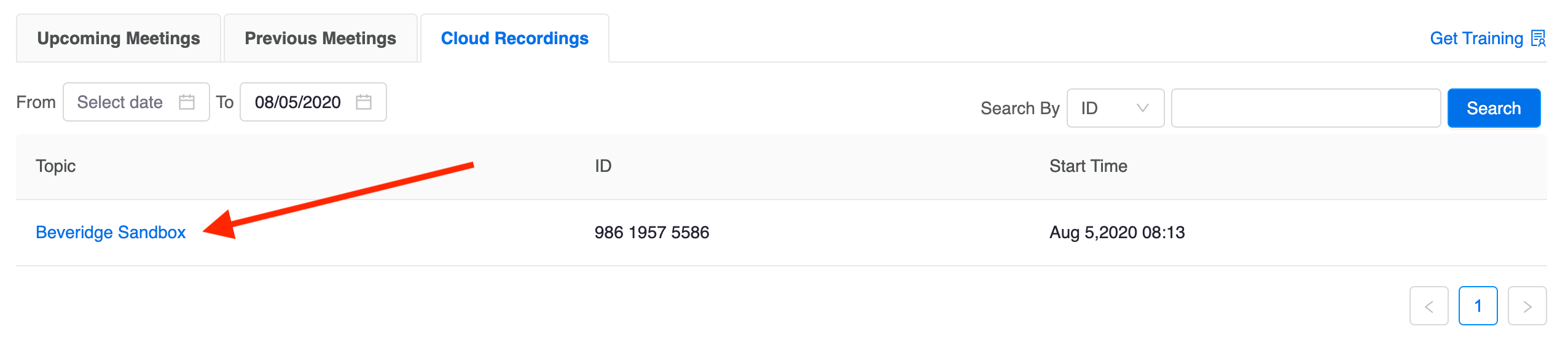
- Click the "Cloud Recordings" tab.

- Scroll through the list of recordings to find the session you are looking for. Then, click the "Topic" of the session to open it.
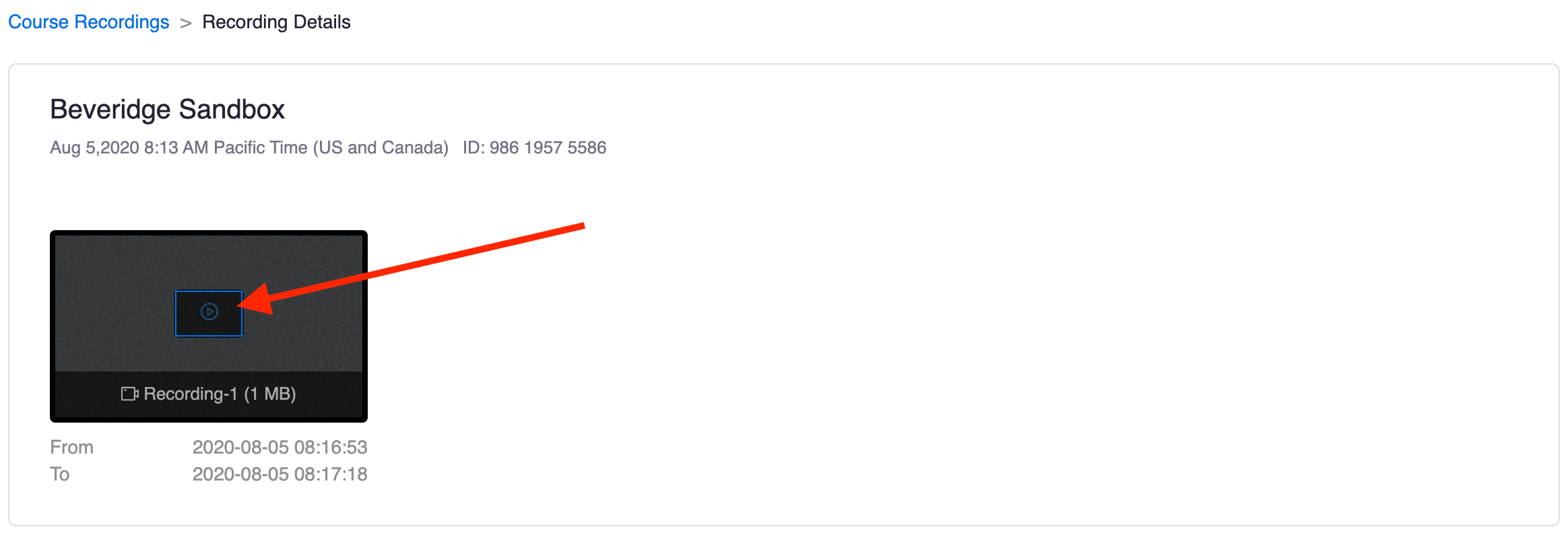
- The "Recording Details" page will open. Click the video to view it.
- When the video opens in a new tab, click on it to begin watching the recording!
If you ever can't find a recording of a class you are looking for, please note that it can take up to 24 hours for recordings to become available. If a recording still isn't available after waiting, we recommend reaching out to your teacher to make sure they have published the recording in Canvas.
If you have any other questions about Zoom recordings, don't hesitate to get in touch with the Tech Team. The following article includes details about how to get support:
How do I get technical support?