
Sometimes, when using your FLVS textbook in Canvas, you may run into links that won't open, or you may have trouble loading your e-text. Please follow the steps in the article below for help with these issues!
A Link in the text gives a "Not Signed In" error when clicked
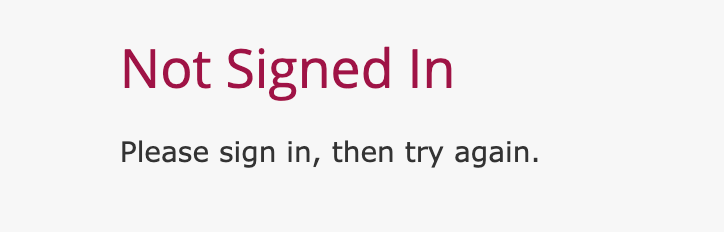
If you ever see this screen, while trying to access a link in your biology textbook, unfortunately, the resource that you clicked on will not load through the link you clicked.
Instead, you can open this resource by going to the "Reading" section in the current chapter. In the reading section, click the link to open your "e-text" and log in.
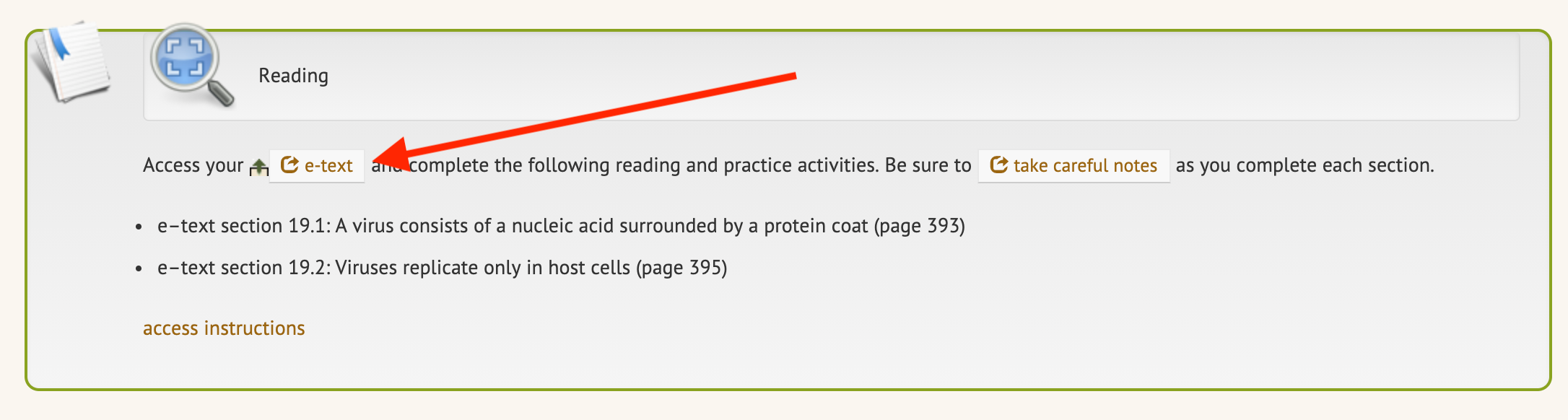
In the reading section, you should see the page numbers of the linked reading listed. You can enter those page numbers into the e-text to jump to the linked sections.
The e-text won't load
If you run into any errors opening your e-text, please refer to the article below for troubleshooting steps:
Pearson: Recommended Chrome Settings
If you have any questions about the steps above, or if you run into any errors, please don't hesitate to reach out to the tech team for additional support!